

)
How to change your IP address
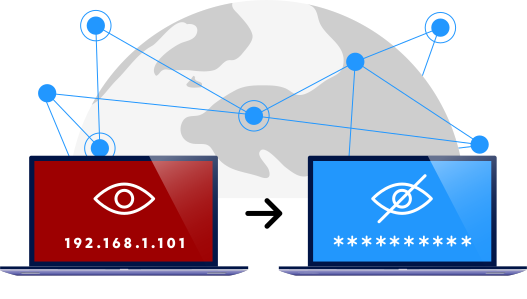
The easiest way to change your IP address is with a trustworthy VPN. Here’s all you need to do:
Install a trustworthy VPN app on your device just like any other app.
Switch it on.
That’s it. Your IP address is now changed instantly. The process requires no skill or technological knowledge. At least that’s how it is with F‑Secure’s VPN. When the VPN is switched off, your real IP is visible again.
Why change your IP address?
With a trustworthy VPN you can change your IP address location instantly even to another country. This unlocks more web content and also gives you an extra layer of privacy. Nobody can see where you are really surfing from.
Change your IP address to another country to unblock websites
Companies use IP geolocation to block users in certain countries from accessing their content. The internet often feels like a free open space, regardless of your IP address or location… Until you get this bleak message: Sorry, this page is not available in your country. But with a VPN you access more content on the internet.
)