















- Products
- Renew
- Articles
- Support
- Free tools
- F‑Secure Text Message CheckerCheck with AI if a text message is a scam
- F‑Secure Online Shopping CheckerCheck for free if a website is safe to buy from
- F‑Secure Identity Theft CheckerCheck if your personal information has been part of a data breach
- F‑Secure Strong Password GeneratorCreate strong passwords for free
- F‑Secure IP CheckerCheck your IP address and location
- F‑Secure Online ScannerScan and clean your PC for free
- F‑Secure Router CheckerIs your internet connection safe?
- View all free tools
- Scam protection
- My F‑Secure
Total protection for your life online

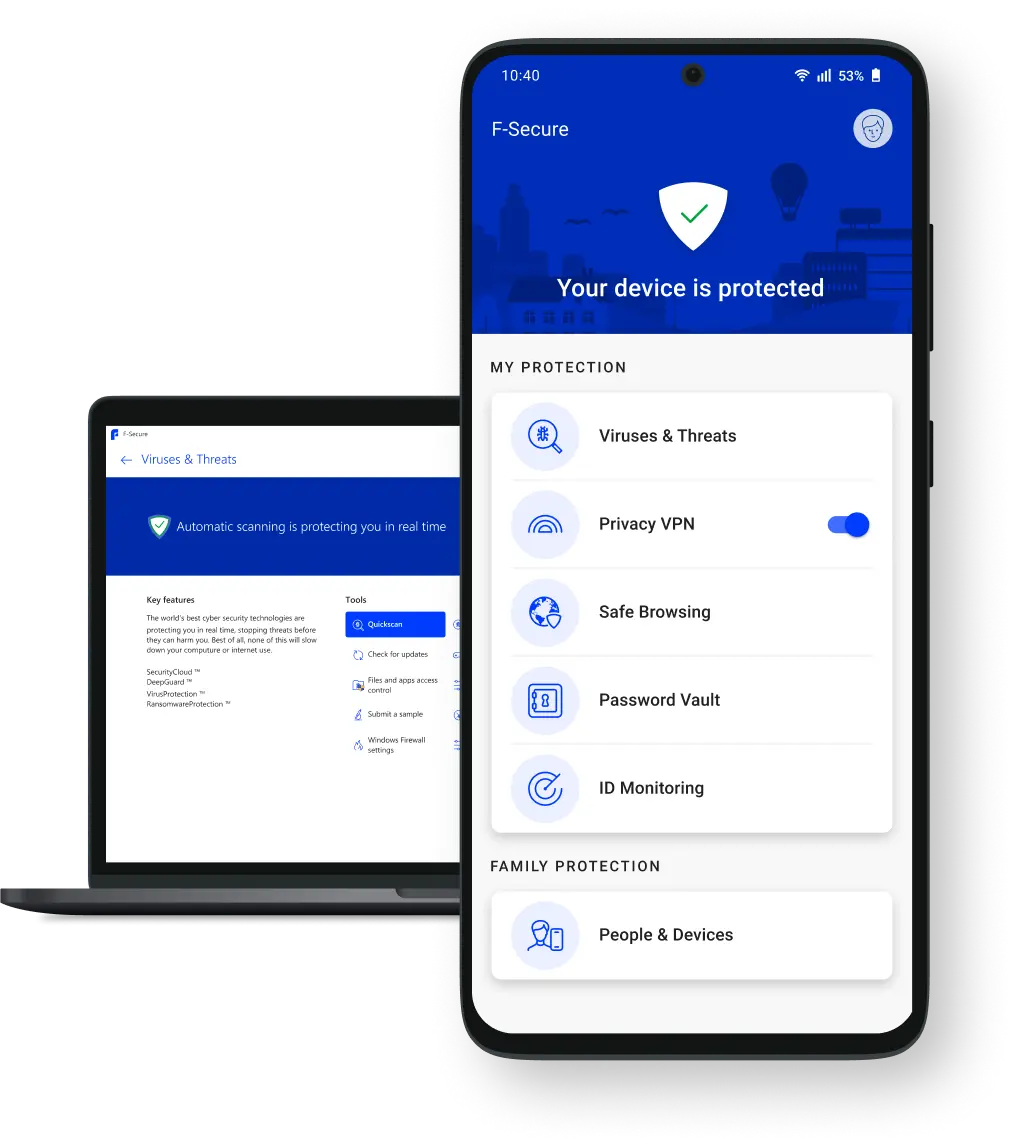
F‑Secure is trusted by more than 30 million people worldwide. Because for 35 years, we’ve made protecting your family's devices, privacy, identity and online lives easy.




More than 200 global brands trust F‑Secure to keep their customers safe




Online security made easy
Free support
Secure payment
30-day money-back gurarantee
F-Secure Internet Security
Award-winning antivirus
Block viruses and malware
Download files and apps safely
Safe banking, browsing and shopping
F-Secure VPN
Browse privately anywhere
Avoid online tracking
Join any Wi-Fi hotspot safely
Hide your IP address
F-Secure ID Protection
Password manager and identity protection
Avoid identity theft with alerts
Save and access passwords fast
24/7 dark web monitoring
Best value and protection
F-Secure Total
Complete online protection
Internet security, VPN and ID Protection
Protect everything you do online
Total peace of mind

See what our 30 million customers are saying
The most reliable and versatile information security software on the market, reacts immediately to threats and the notification appears on the screen immediately.
– F‑Secure Total customer
It just seems to work well in the background and F‑Secure have kept my computers safe for many years.
– F-Secure Internet Security Customer
Works and is reliable, just great!
– F-Secure VPN Customer
It's an easy and safe way to save passwords and protect other personal information.
– F-Secure ID Protection Customer
my computer came with f-secure and im very happy with it! comes with a vpn and lots of other stuff as well
– maria @svnflowerhrry
...so I urge everyone to use a password vault, a fairly cheap one on a cheap yearly price can be obtained from @FSecure. I use it daily on PC and mobile. Includes VPN and virus protection. The other method is to use 2-step authentication. Preferably both. Be safe. Bless you.
– Matti Hirvonen @Hiljaa_Tulee
Remember to always protect your internet connections. An easy way to do this is to use a trusted and paid VPN service. I recommend @FSecure's VPN, because it's made by a cybersecurity company, which only purpose is to safeguard the data and privacy of its customers. #InfoSec
– Veli Uotila @VeliUotila
Techradar
Highly recommended for great value. Sleek design, user-friendly interface, impressive performance.
MacWorld
F-Secure Total for Mac review
coolsmartphone
F-Secure Total is an affordable, powerful, and user-friendly security solution that offers solid protection across multiple devices.
DailyMail
I’m a tech expert, here are six things you should NEVER share on social media.

Partners: supercharge your consumer offering today
When it comes to helping our Partners succeed, we’re the experts. That’s because by adding online security to your offering you can:
Increase revenue and ARPU
Boost customer satisfaction
Protect more customers
Get instant results with F‑Secure free tools
Our free tools help you get clarity on your online security, with no strings attached. No joining mailing lists or saving email addresses. Just reliable security tools for you to use whenever.


Free resources for online safety
Whether it’s outsmarting the scammers or staying informed on AI, find out how to avoid risks and stay safe online below.

F‑Secured: Your complete guide to online security in 2024
Explore the cyber security threats facing consumers this year, informed by experts at F‑Secure.
How imposter scams generated billions in one year
From voice cloning and deepfakes to AI-enhanced phishing attempts, learn how to protect yourself from scammers impersonating the people you trust.
What is identity theft?
Learn how to protect yourself from identity theft, how to spot the signs of a data breach, and discover what to do if your personal details get exposed.