












- Products
- Renew
- Articles
- Support
- Free tools
- F‑Secure Text Message CheckerCheck with AI if a text message is a scam
- F‑Secure Online Shopping CheckerCheck for free if a website is safe to buy from
- F‑Secure Identity Theft CheckerCheck if your personal information has been part of a data breach
- F‑Secure Strong Password GeneratorCreate strong passwords for free
- F‑Secure IP CheckerCheck your IP address and location
- F‑Secure Online ScannerScan and clean your PC for free
- F‑Secure Router CheckerIs your internet connection safe?
- View all free tools
- Scam protection
- My F‑Secure











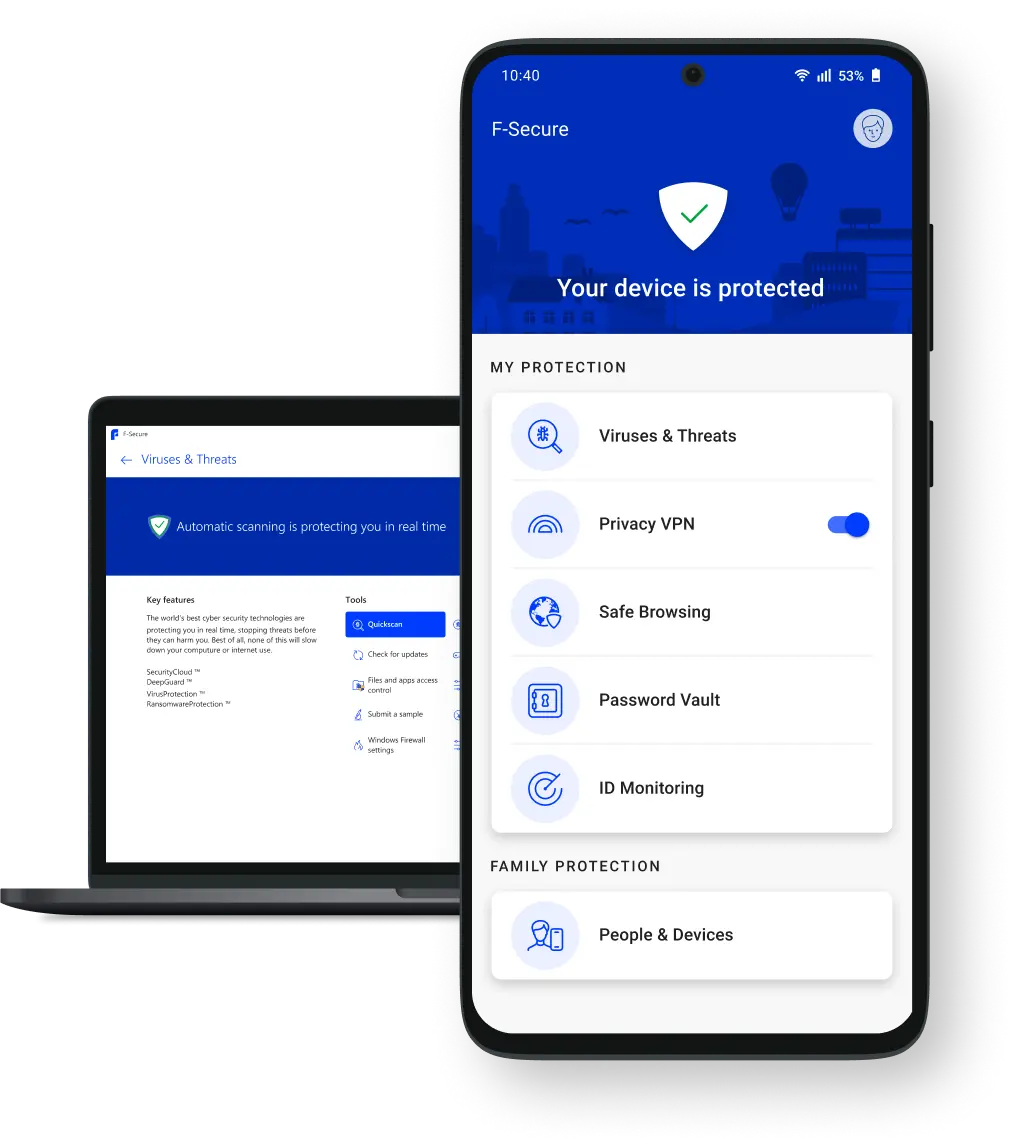
One app, Total protection
F‑Secure Total includes complete online security, privacy and identity protection — in one brilliantly simple app.

Security
Whether it’s connecting with your family, managing your money, or saving priceless memories, your digital moments are worth protecting. Keep your devices safe with Total’s award-winning antivirus.

Privacy
Explore new worlds in private. Total’s unlimited VPN allows you to master your online privacy with just one click. Enjoy secure and private digital moments everywhere.
Identity protection
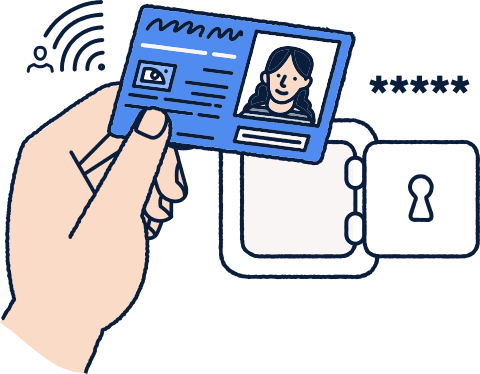
Own your online identity and be the first to know if your private information has leaked online. Avoid online identity theft with always-on identity monitoring and a password manager.
Cyber news and highlights
Learn about online protection and discover the latest cyber news and insights.

Living Secure report
A new report highlights the digital moments that matter most and online activities that make us feel vulnerable.
Discover the latest threats
Our monthly F‑Alert threat reports guide you through the biggest cyber security stories as they develop around the world.


Millions of customers have chosen F‑Secure
See how customers and experts feel about F‑Secure
Easy to use, unobtrusive and worth the price in my opinion. The support has also worked well and help has been available when needed.
– F‑Secure Total customer survey 2022
It is easy to use and has received good reviews in previous years.
– F‑Secure Total customer survey 2022
Works very well: functional and reliable. Also, easy to use. The best purchase for the family, I recommend!
– F‑Secure Total customer survey 2022
Been with you for ages. Love the clean non-intrusive UI! Love the policy that you have — you truly value privacy. In short, I’m a big fan.
– F‑Secure Total customer survey 2022
Official online store
Shop securely with us. Get support and find information about products in English.
Award-winning cyber security
Take total control of your online security with our all-in-one app.
30-day money-back guarantee
Buy risk-free. You can get a full refund by contacting our support within 30 days.